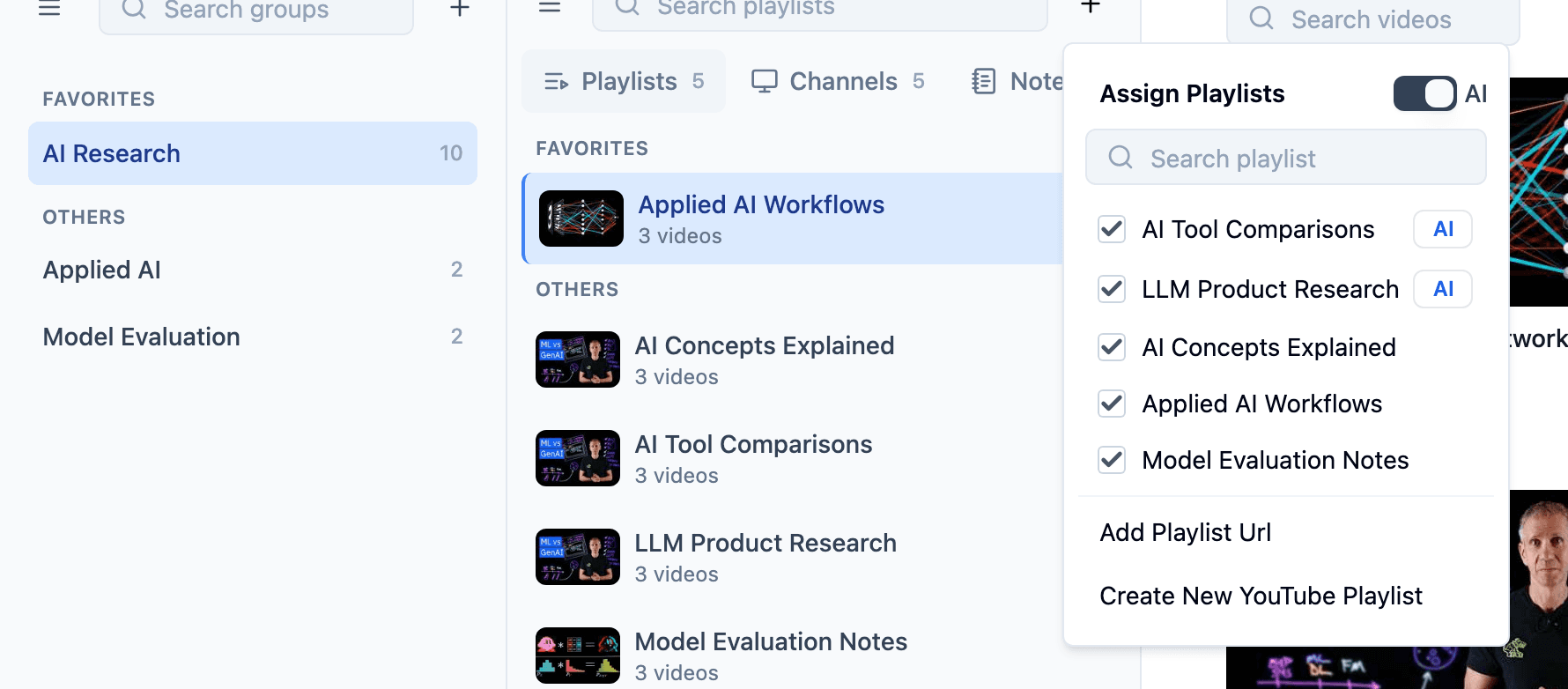
Assign playlists to group (Coming soon)
Open a group and let TubeFlow surface saved playlists that may belong there, instead of searching through every playlist manually.
AI Suggestions
TubeFlow suggests the right playlists and groups while you organize videos, playlists, and channels, so saved research lands in the right place with fewer clicks.
Workflow
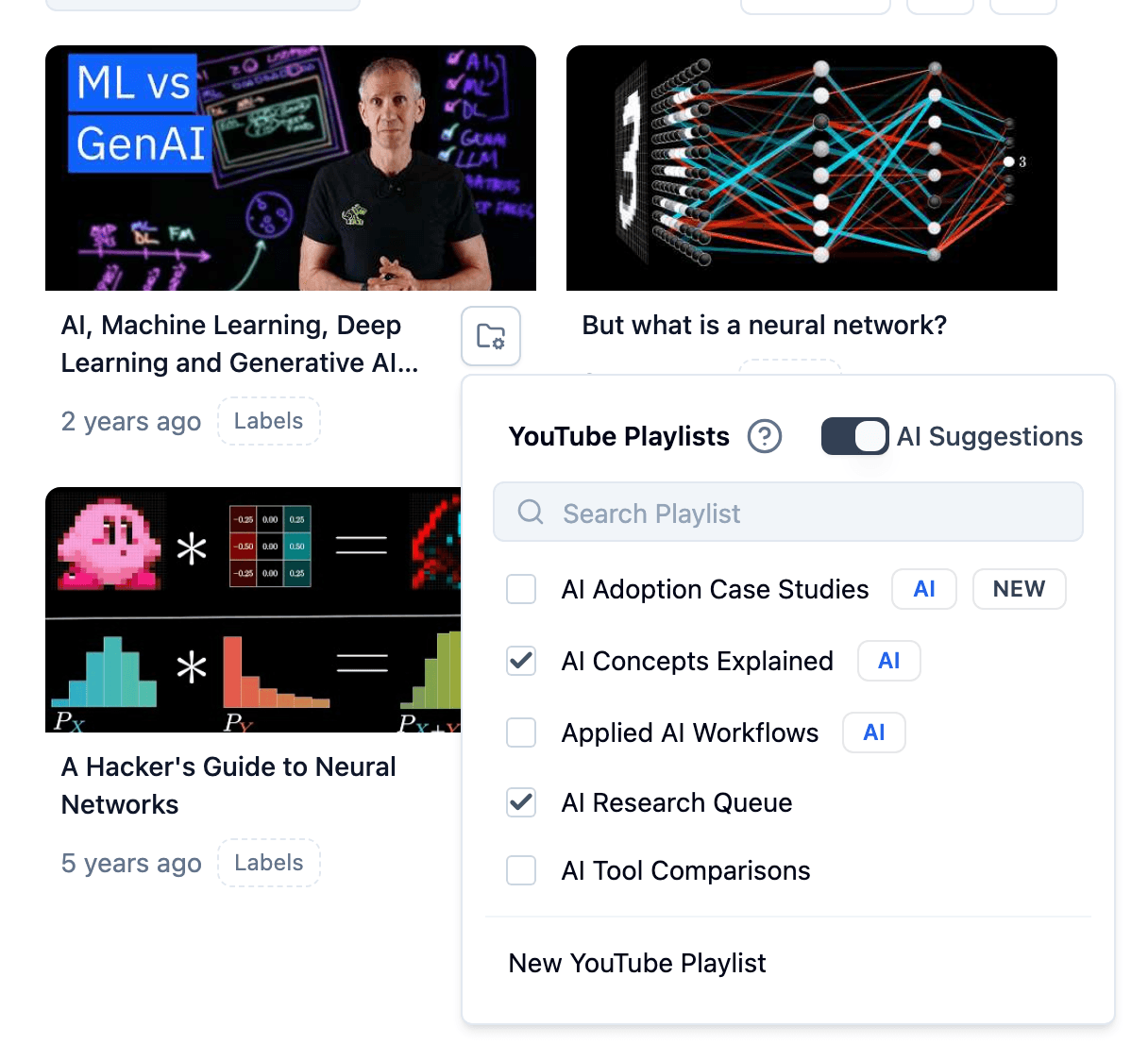
Start from the video, playlist, channel, or group you want to place.
Open the assign menu instead of hunting through every collection.
AI badges bring likely destinations and sources to the top.
Keep research easier to retrieve when you return to the topic.
Assignment types
Whether you are placing a video, playlist, or channel, TubeFlow surfaces likely destinations directly inside the assign menu.
Video organization
When a saved video needs a home, TubeFlow brings likely playlists into the video assign menu so you do not have to search manually.
Playlist organization
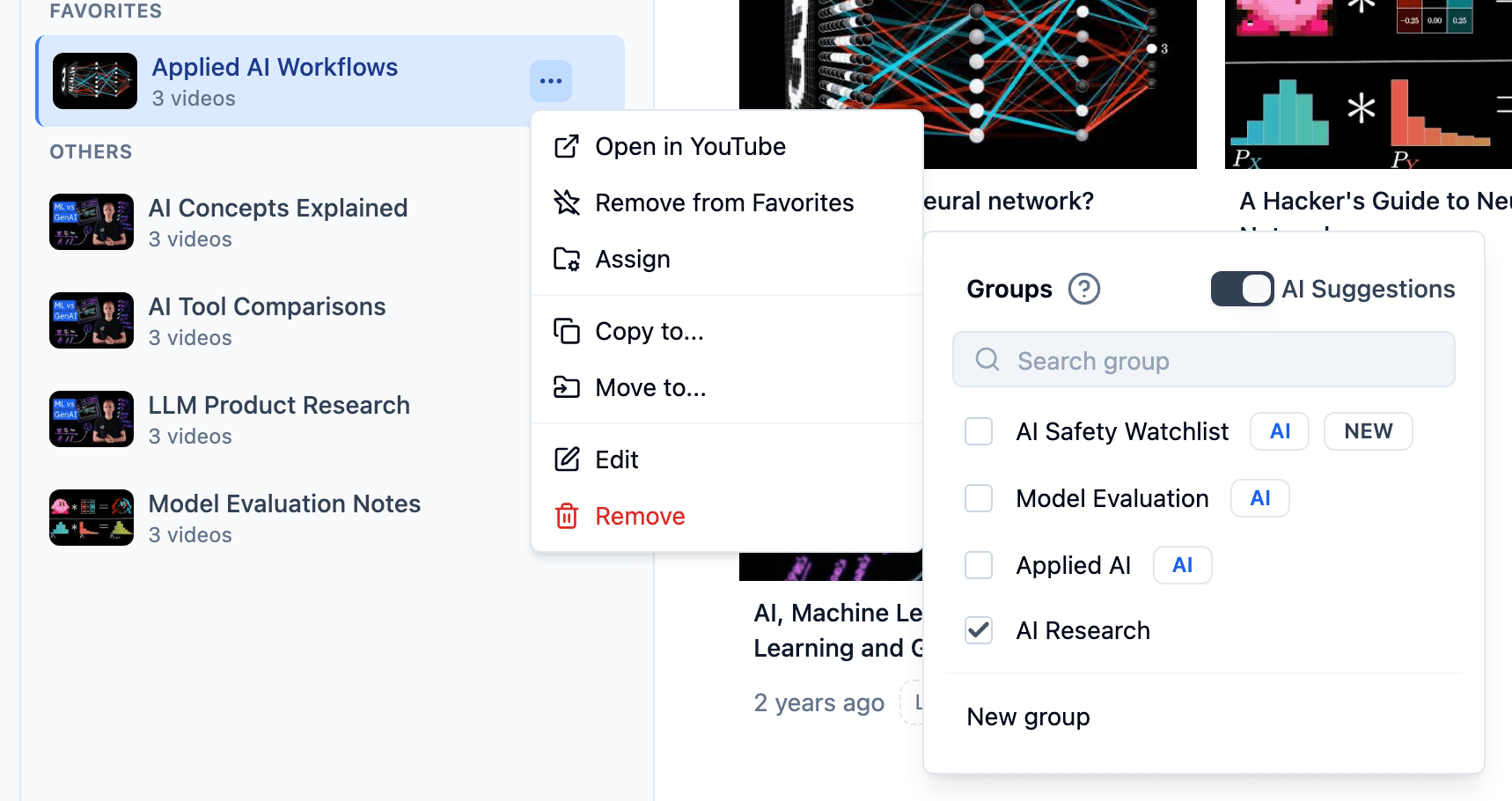
When a playlist should support a project, TubeFlow suggests relevant groups from the playlist assign menu so you can place it without scanning every group.
Channel organization
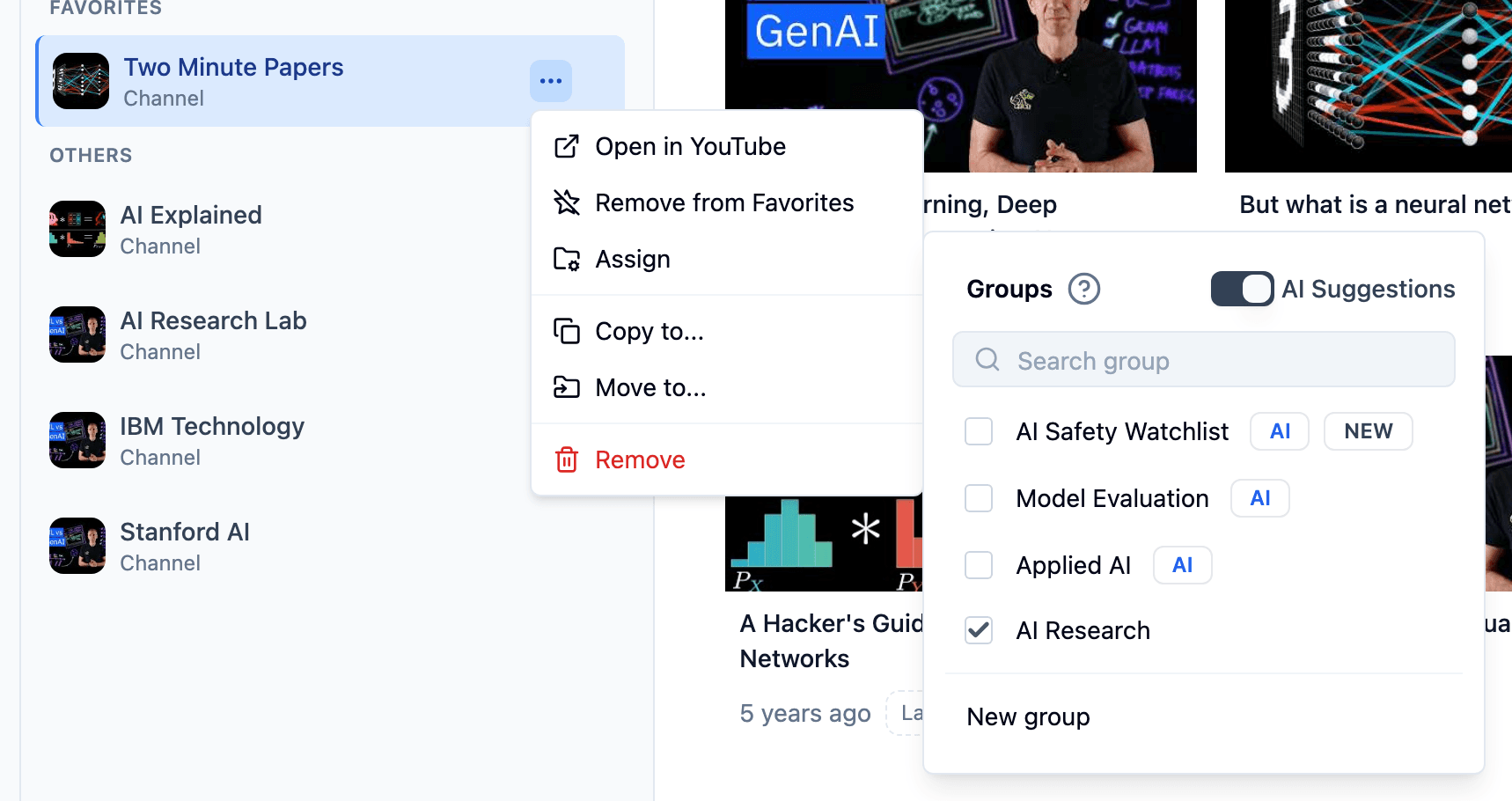
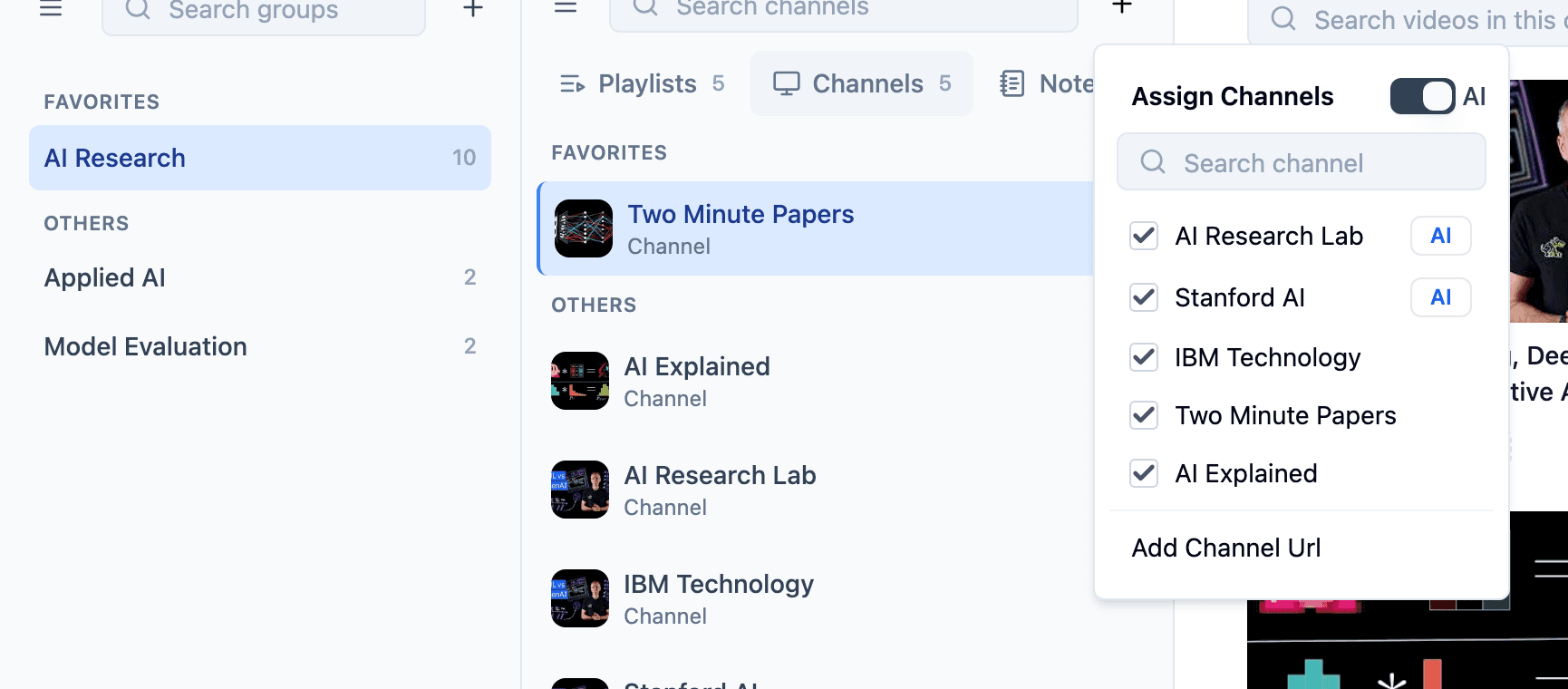
When a channel becomes a useful source, TubeFlow suggests groups from the channel assign menu so you can attach it to the right project quickly.
Group preparation
When you are building a group, TubeFlow suggests saved playlists and channels that may belong there, making setup faster when the group is still empty or incomplete.
Open a group and let TubeFlow surface saved playlists that may belong there, instead of searching through every playlist manually.
Add suggested channels to a group so it has useful sources to revisit, track, and build from faster.
Outcome
AI Suggestions reduces the manual work of assigning sources, so videos, playlists, and channels are easier to find when you return to a research topic.
Start organizing
Use TubeFlow to place videos, playlists, and channels with AI-assisted suggestions built into the assign flow.