01
Watch
Start with the video in TubeFlow, where notes and research context stay nearby.
Notes
TubeFlow Notes lets you capture takeaways, timestamps, questions, and follow-ups next to the video you are reviewing.
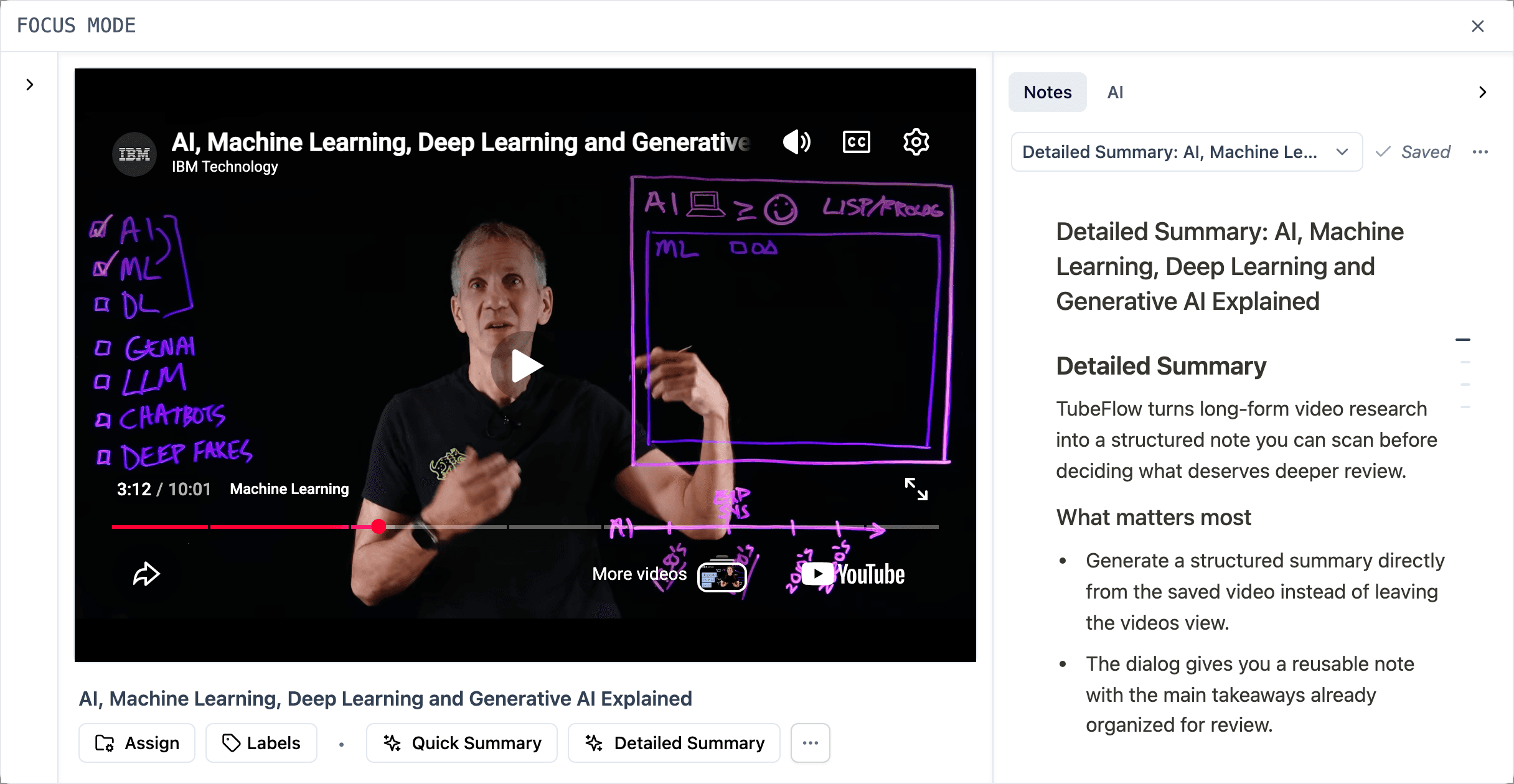
Notes workflow
The notes workflow is built around the moment of review: keep the video close, capture what matters, then make the result easy to return to.
Start with the video in TubeFlow, where notes and research context stay nearby.
Write down the useful moment, question, or follow-up without leaving the video.
Use headings, formatting, labels, and timestamp links to make the note readable later.
Copy, export, or add notes to research groups so they are easy to find later.
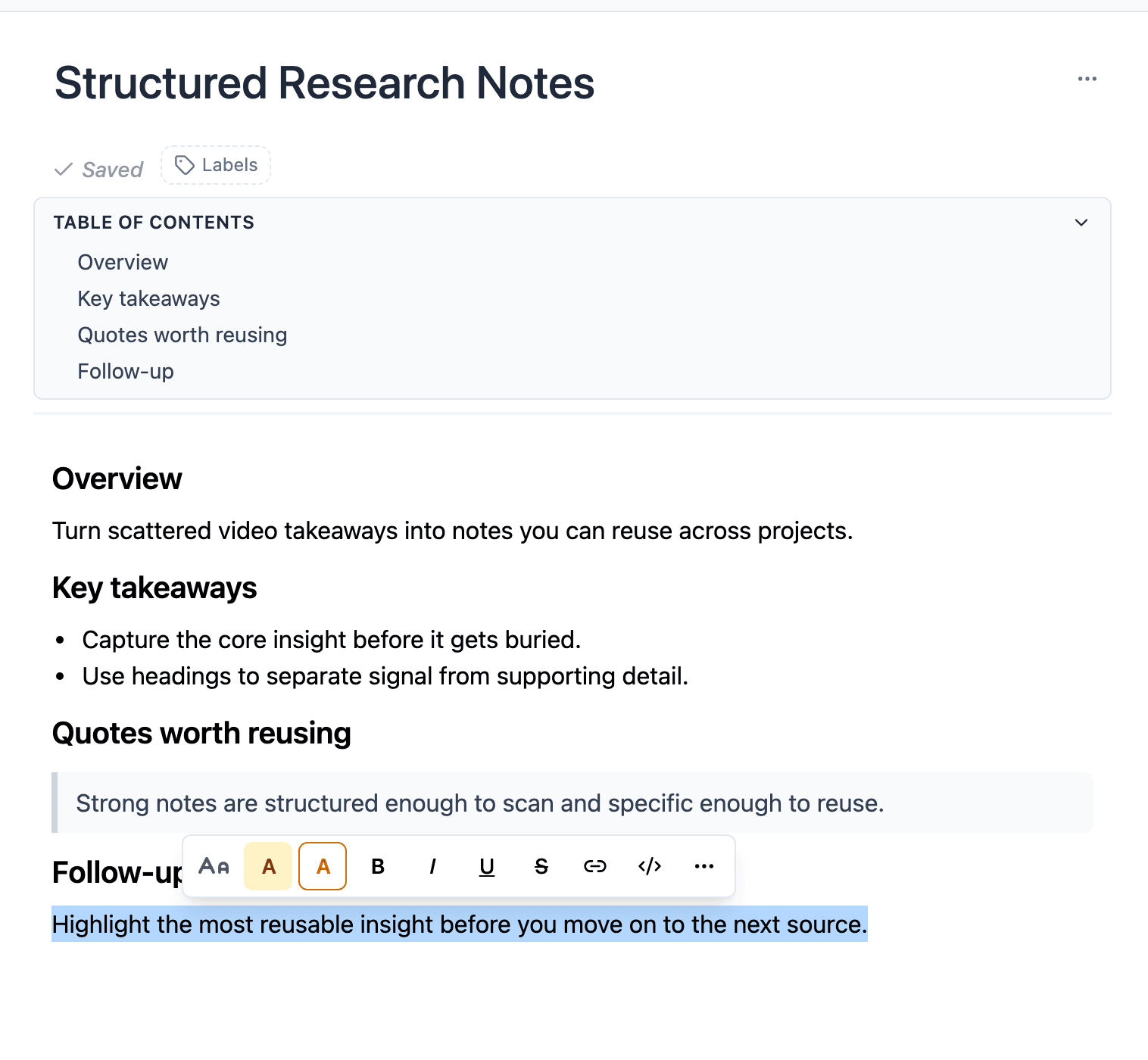
Structured writing
Use headings, quotes, code blocks, tables, task lists, links, and labels to capture the details a video review actually produces.
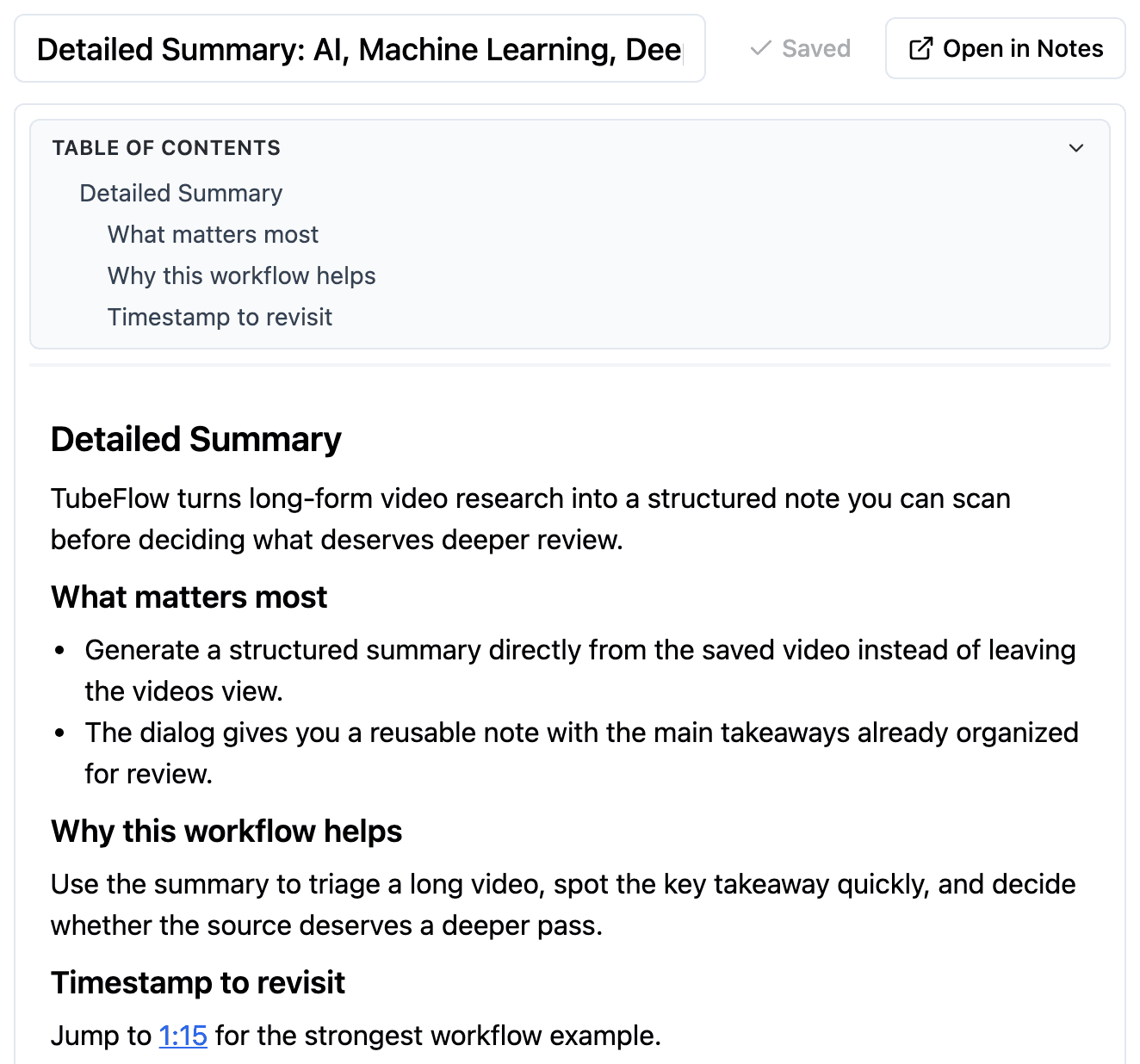
AI summaries to notes
When a video needs a faster first pass, generate a quick or detailed AI Summary, then save it as a note so the result can become part of your research workflow.
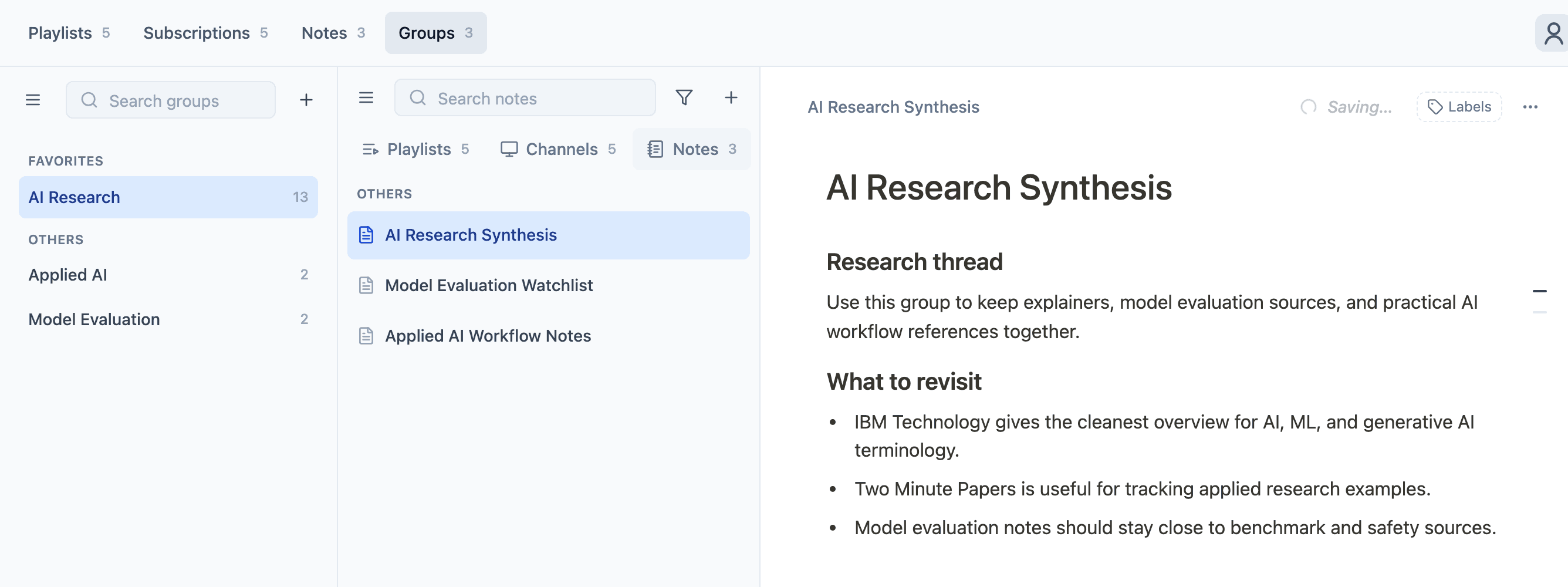
Research retrieval
Add notes to Research Groups alongside the playlists, channels, and videos they belong with, so each research topic keeps its sources and takeaways in one place.
Use cases
Use TubeFlow Notes when a video is not just something to watch, but a source you need to think with, compare, or return to.
Collect inspiration, hooks, examples, and source clips before planning the next video.
Track positioning, feature claims, pricing comments, and follow-up questions from video sources.
Turn long tutorials and explainers into structured notes you can revisit without rewatching everything.
Keep meeting prep, market clips, and source-backed observations organized by topic.
FAQ
The short version: notes are for your thinking, and they stay useful because TubeFlow keeps them close to source context.
Continue research
Start with a video, capture the useful moments, and keep the note close enough to the source that it still makes sense weeks later.