Default
Create a balanced detailed summary for general understanding and follow-up.
AI YouTube Summaries
Get the key takeaways, jump back to the moments that matter, and save the useful parts as research notes.
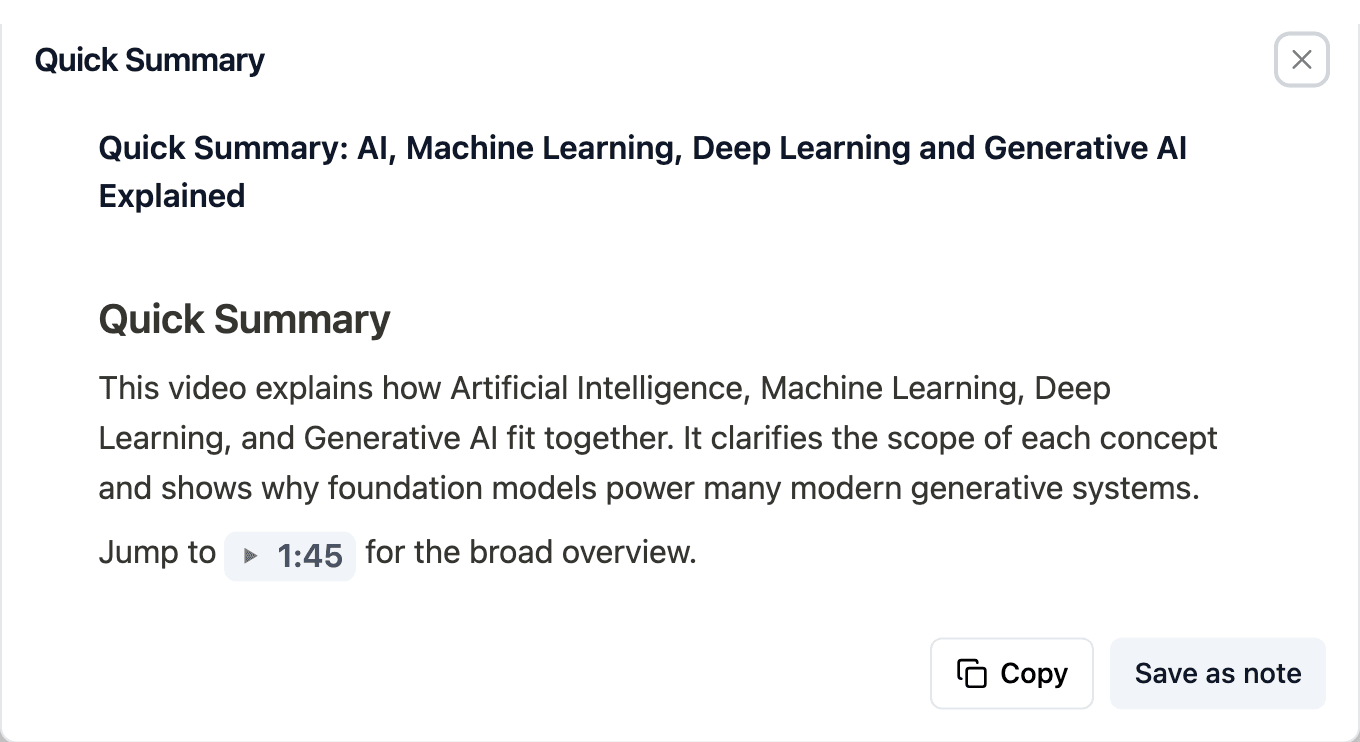
Quick Summary
Quick Summary gives you a short, clear overview of the video, so you can understand its main idea before deciding whether to watch it in full.
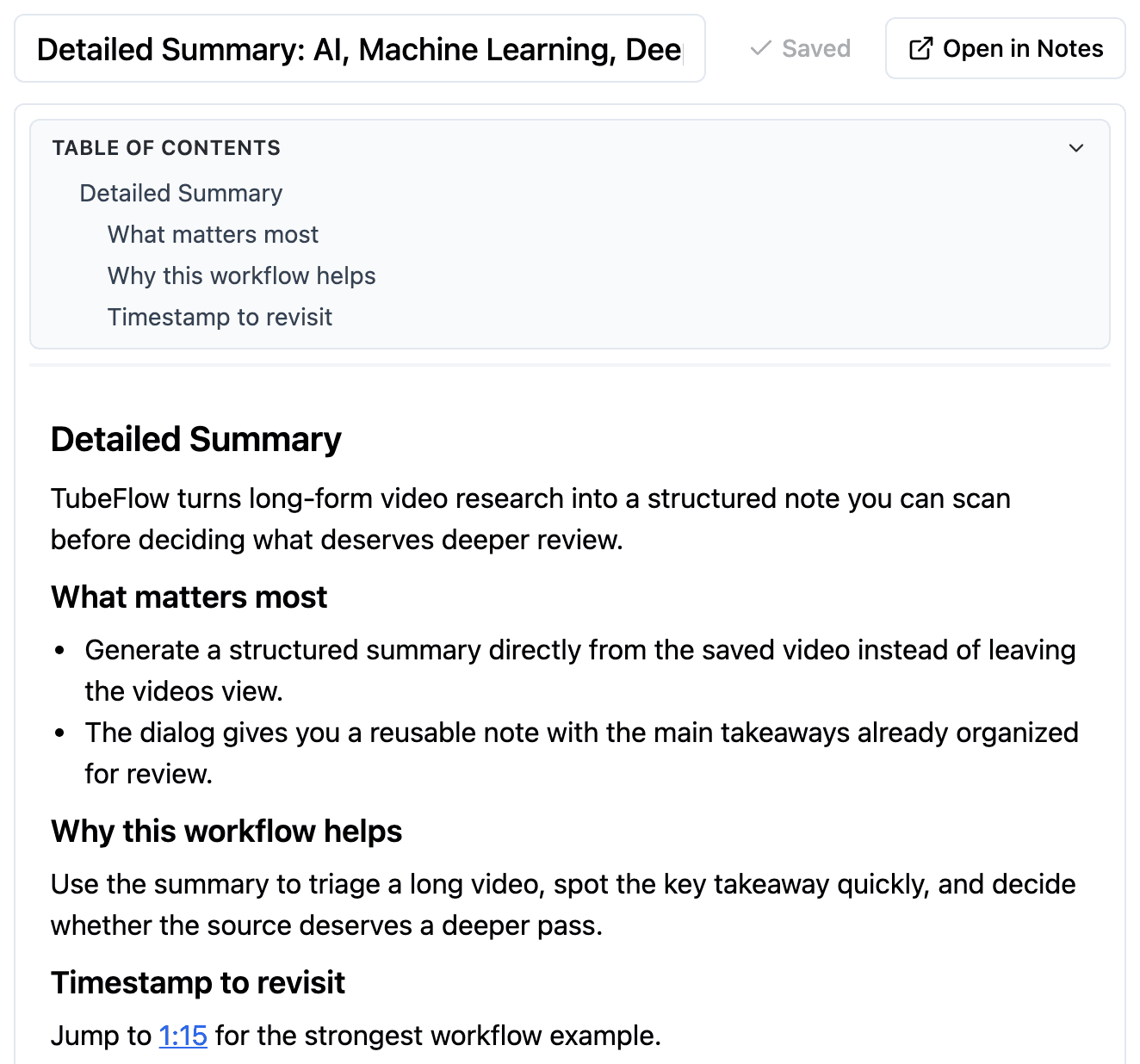
Detailed Summary
When a video deserves closer attention, Detailed Summary organizes its main ideas, key takeaways, and timeline into an in-depth review.
Summary Templates
Choose a ready-made structure for studying, research, technical review, planning, or decision-making.
Create a balanced detailed summary for general understanding and follow-up.
Turn a video into learner-friendly notes with concepts, takeaways, timeline, and open questions.
Extract claims, facts, references, and uncertainty for deeper research work.
Capture concepts, decisions, tradeoffs, risks, and implementation next steps.
Convert the video into concrete next actions, caveats, and sequencing.
Summarize decisions, tradeoffs, risks, and unresolved questions for stakeholder review.
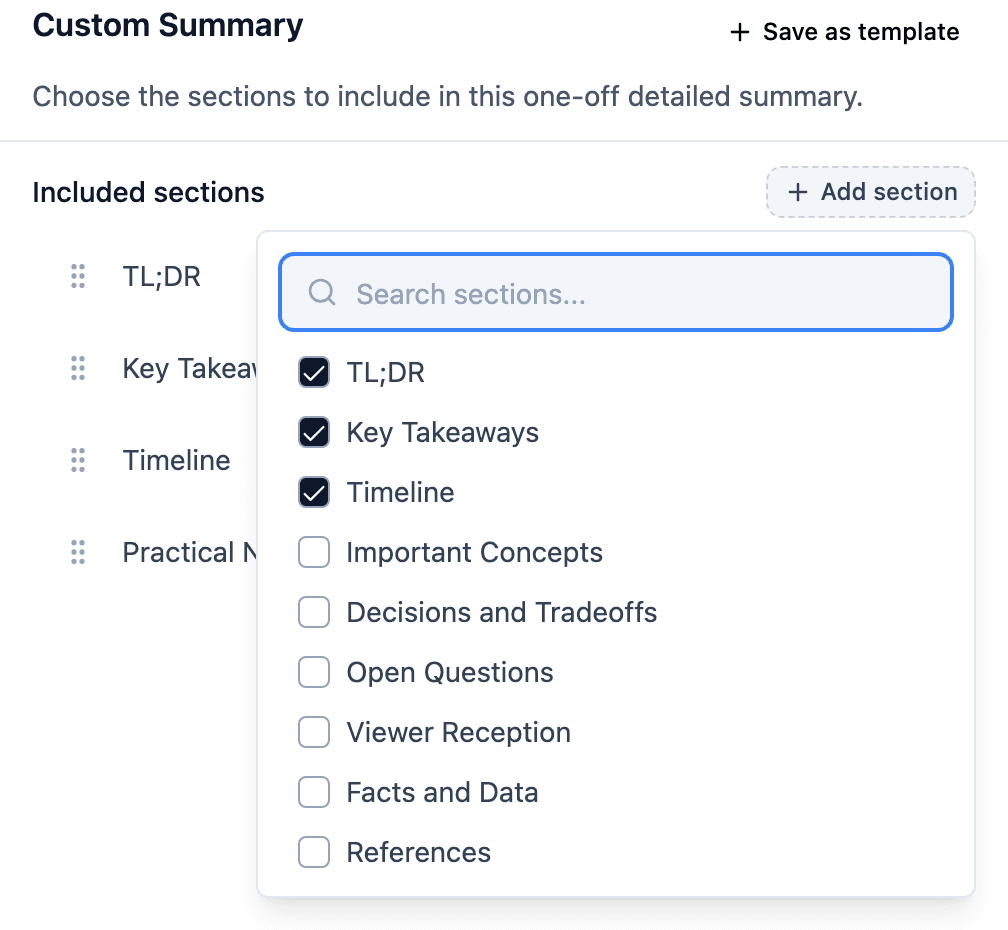
Custom Summary
When no template is quite right, select the sections for this one detailed summary and leave out the rest.
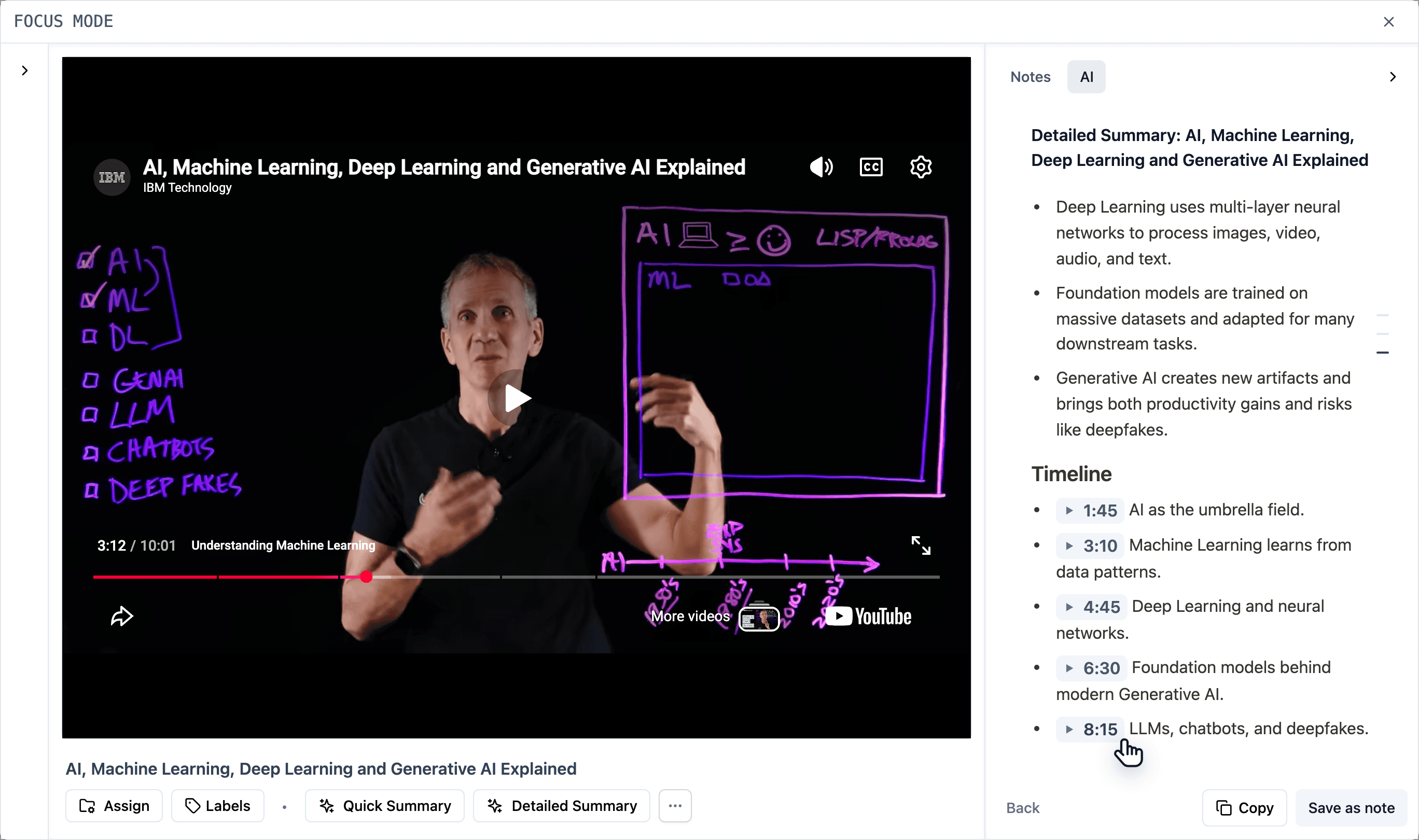
Timestamp Links
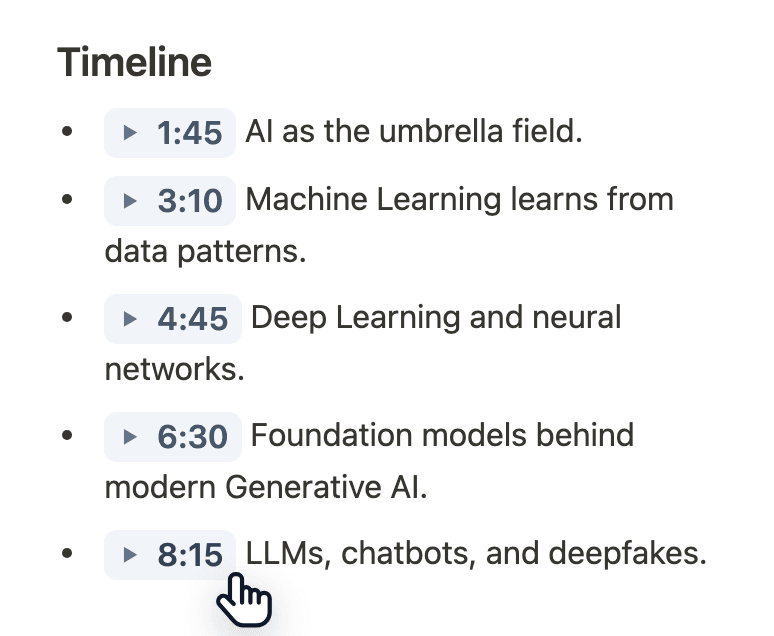
Open the relevant moment from the summary instead of scrubbing through the whole video.
Save as Note
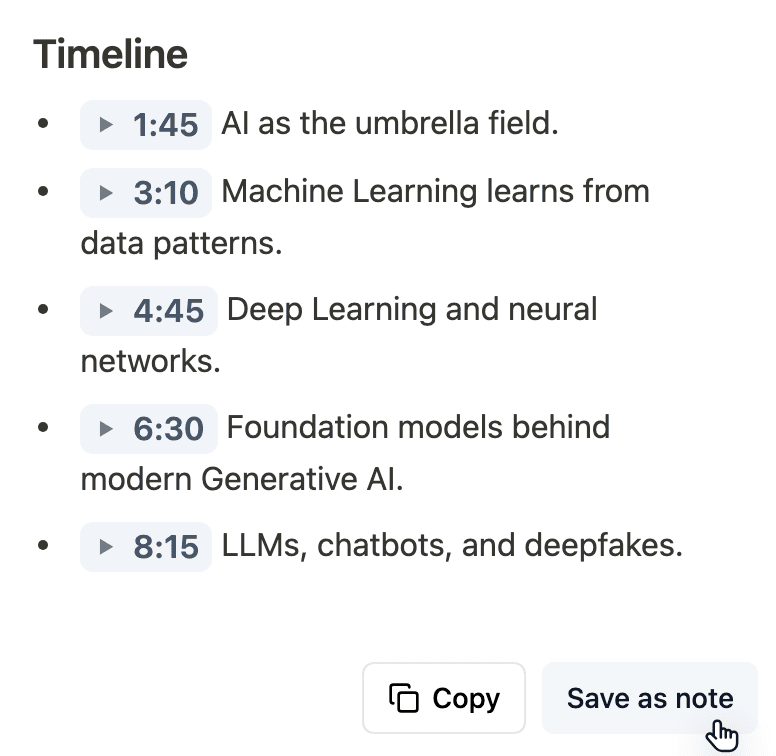
Save a useful summary as an editable note, then add your own questions, conclusions, and follow-up work.
Keep summaries beside the source while you review, then continue shaping them in Notes.
Built for Real Review Work
Different work needs different levels of review.
Review demos and explainers before committing to a deeper review.
Pull out claims, gaps, and positioning from competitor walkthroughs.
Turn long tutorials and lectures into material you can revisit later.
Surface tradeoffs, risks, and open questions before making a call.
Questions, Answered
The practical details for reviewing videos with AI summaries.
Review with Context
Start with a quick overview, go deeper when needed, and keep the parts that move your work forward.