January 15, 2026
How to Unsubscribe from Multiple YouTube Channels Fast
Unsubscribe from multiple YouTube channels quickly. Step-by-step guide for manual cleanup and fast bulk unsubscription using TubeFlow.
Posted by
 Harshit Saini
If your subscriptions list is out of control, bulk cleanup is the fastest way to get it back in shape. Below are two ways to unsubscribe from multiple YouTube channels, from the slow manual method to a faster TubeFlow workflow.
Need help organizing playlists too? Check out our guides on deleting multiple playlists or deleting multiple videos from playlists.
Method 1: Manual YouTube Unsubscribe (Slow)
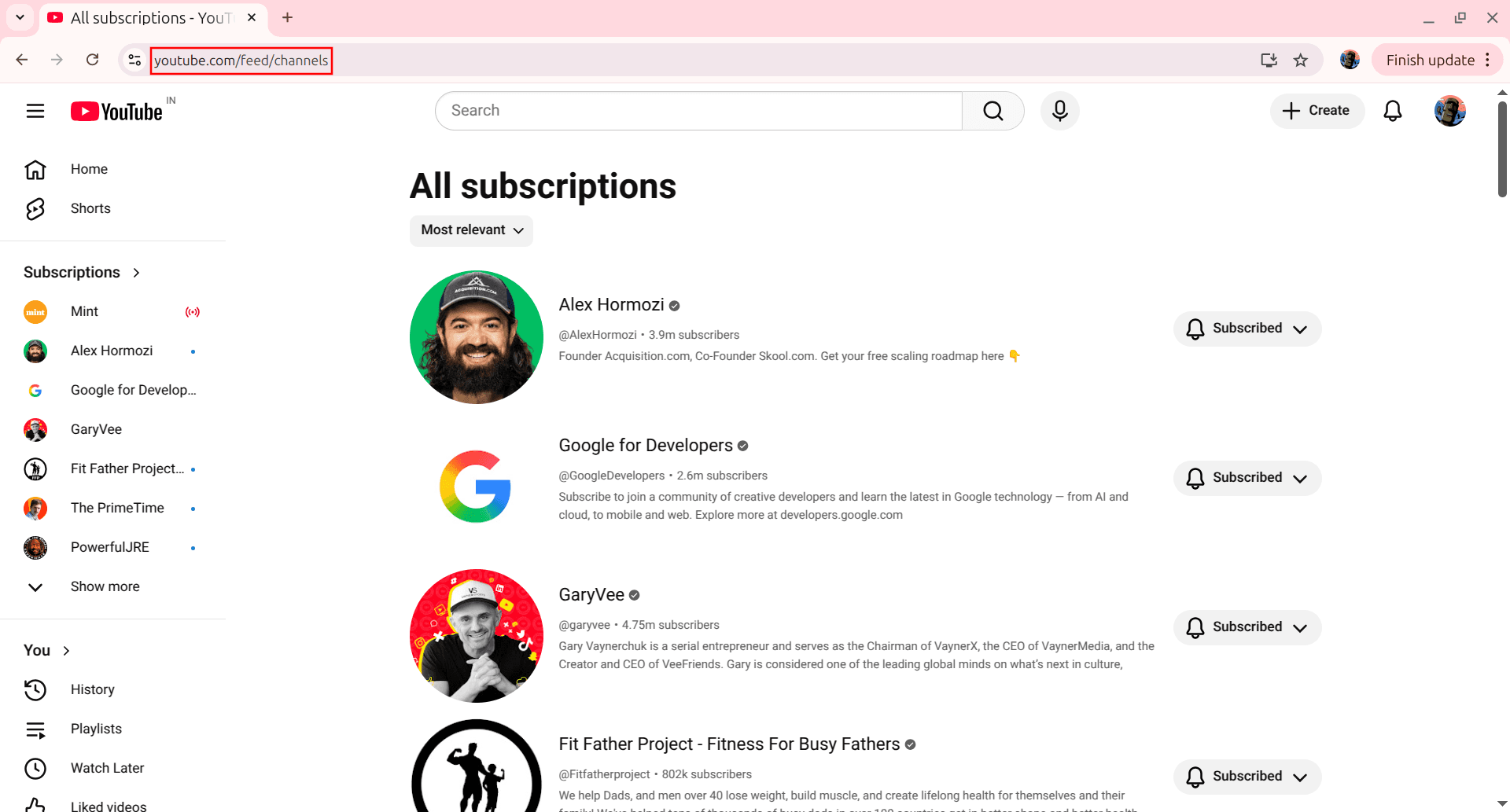
Step 1: Open Your Channels Page
Go to the channels page by opening https://www.youtube.com/feed/channels. This shows your full subscriptions list.
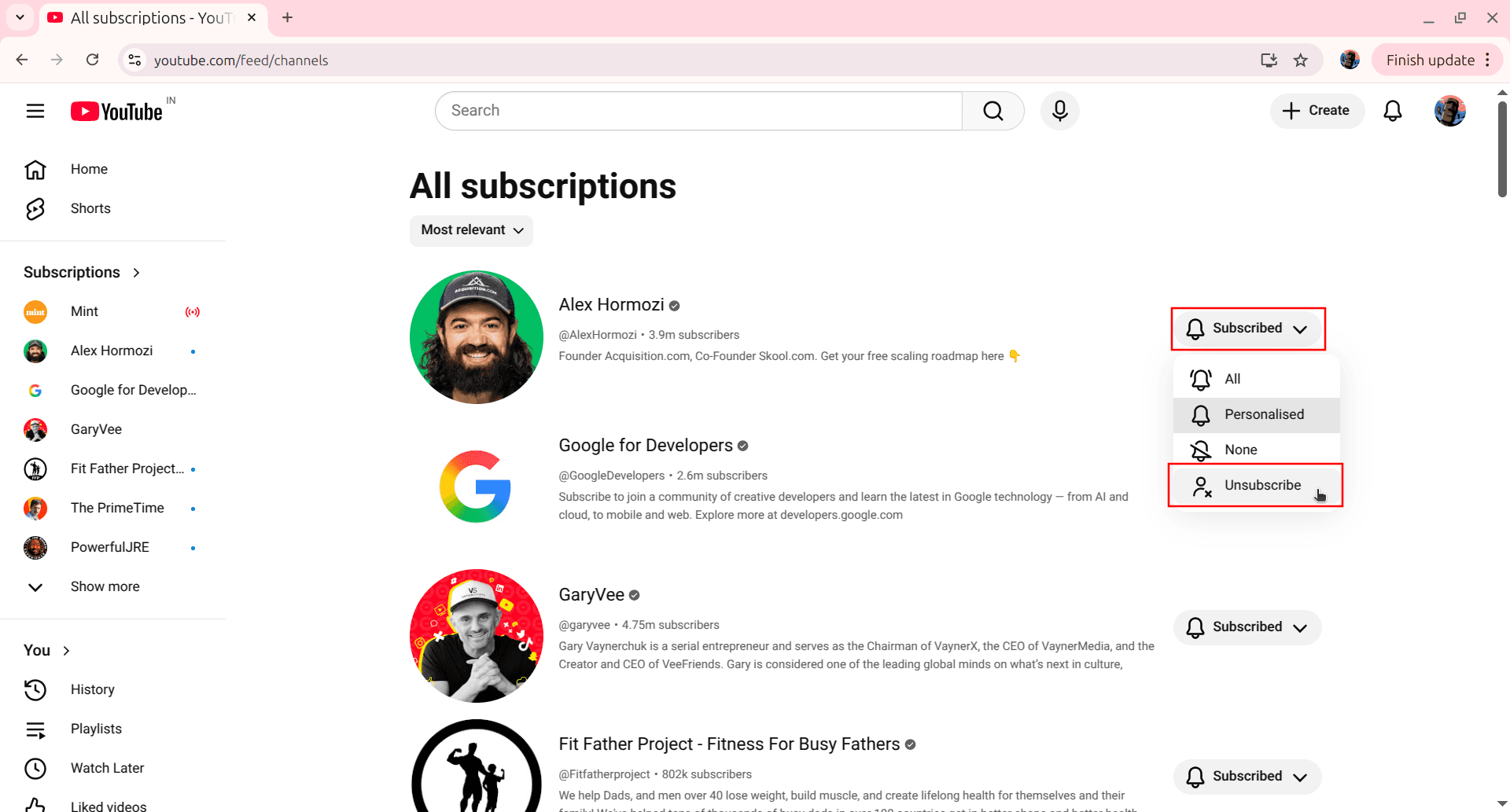
Step 2: Unsubscribe One by One
Click the bell or subscribed button for a channel and select Unsubscribe. Confirm the dialog. Repeat for each channel you want to remove.
This works, but it's slow when you need to clear dozens of subscriptions.
Method 2: Bulk Unsubscribe with TubeFlow (Fast)
TubeFlow lets you select multiple channels and unsubscribe them in one batch. Open TubeFlow App to get started.
Step 1: Open Subscriptions in TubeFlow
In TubeFlow, click Subscriptions in the left sidebar to open your full channel list.
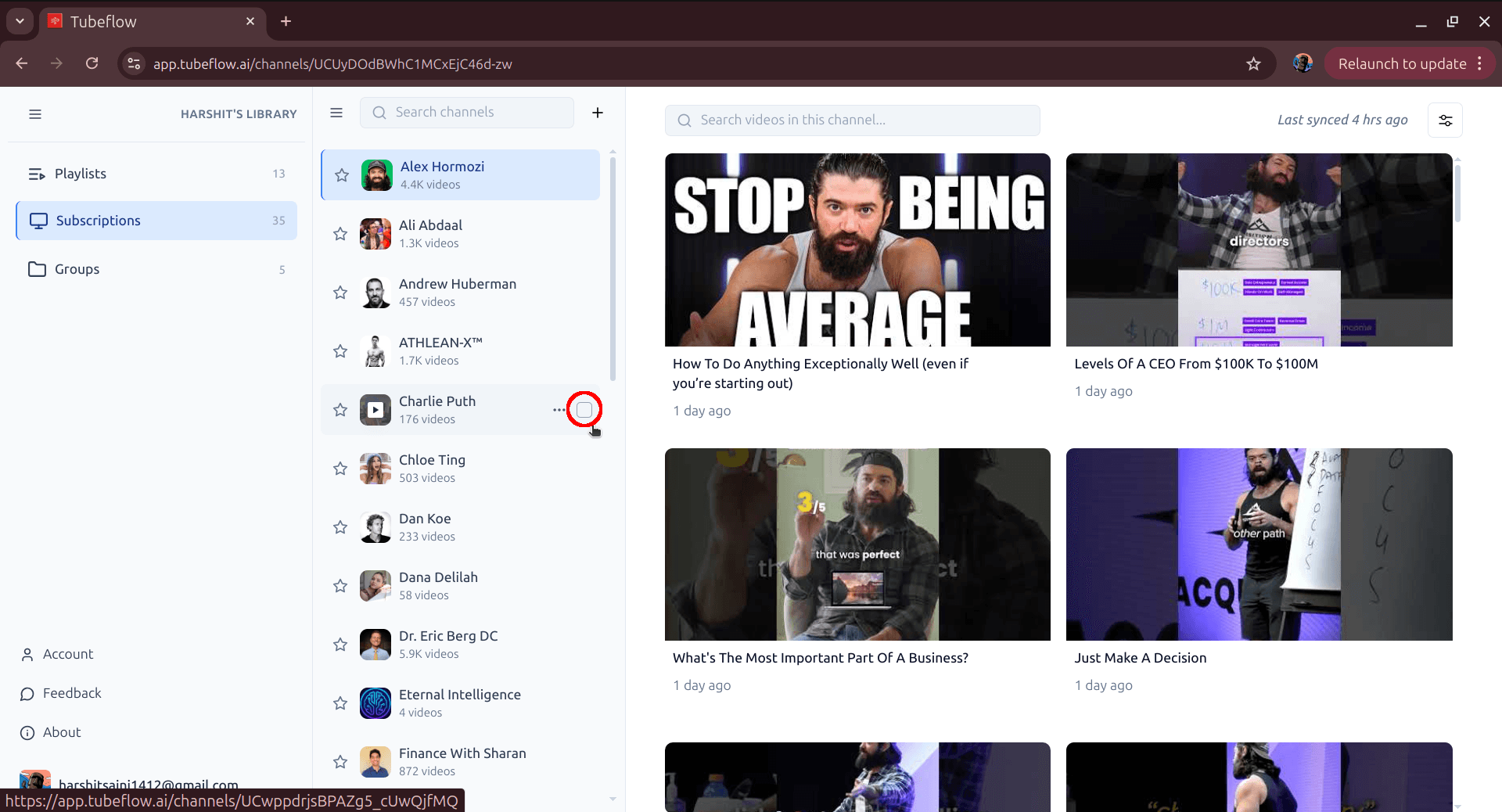
Step 2: Select Channels to Remove
Hover over channel rows and tick the checkbox for each channel you want to unsubscribe from. As soon as you select channels, the top action bar appears with the Delete option.
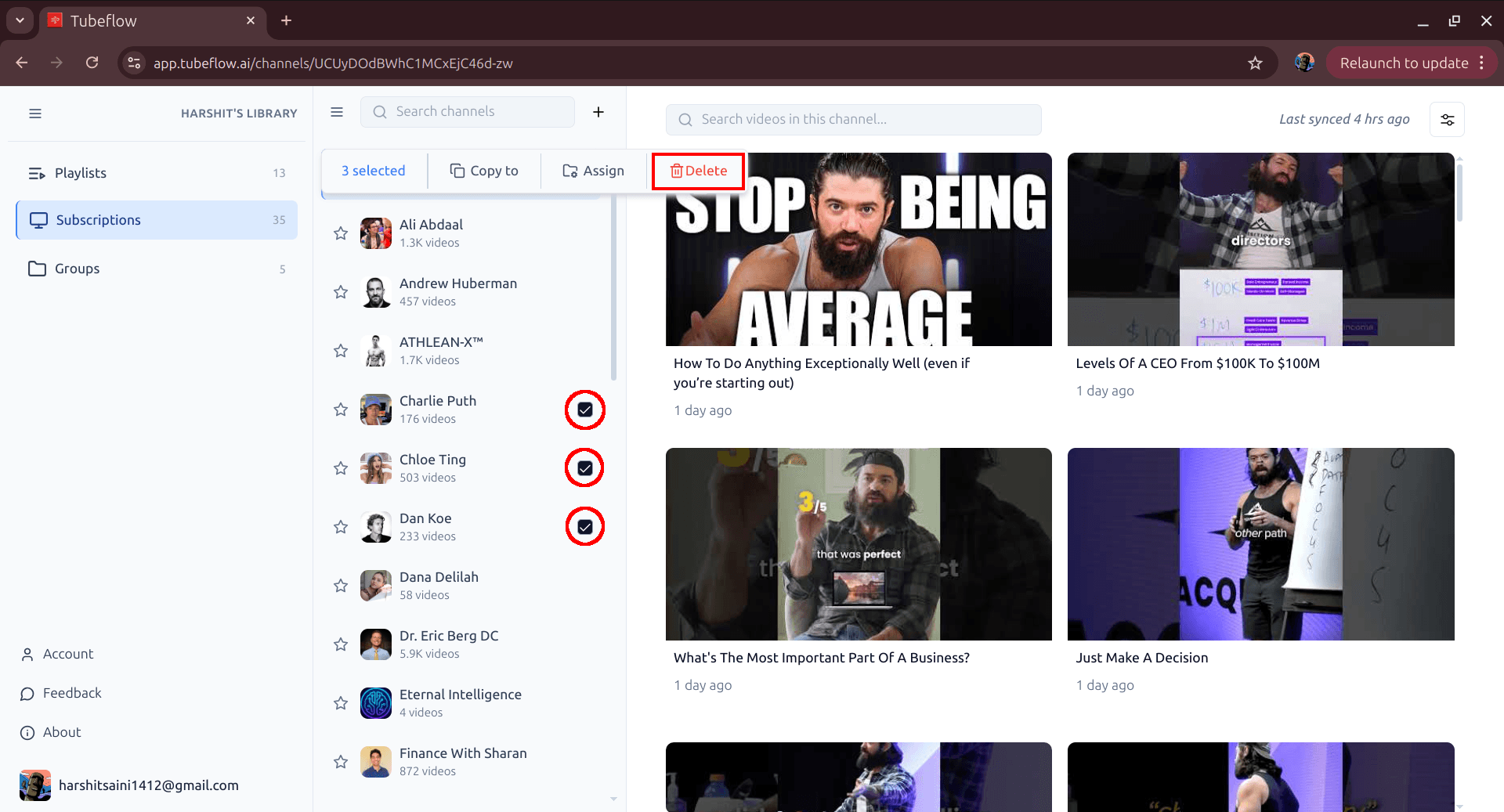
Step 3: Click Delete and Confirm
Click Delete in the top action bar, then click Confirm in the Delete channels? popup. This unsubscribes selected channels from your YouTube account and removes them from all groups.
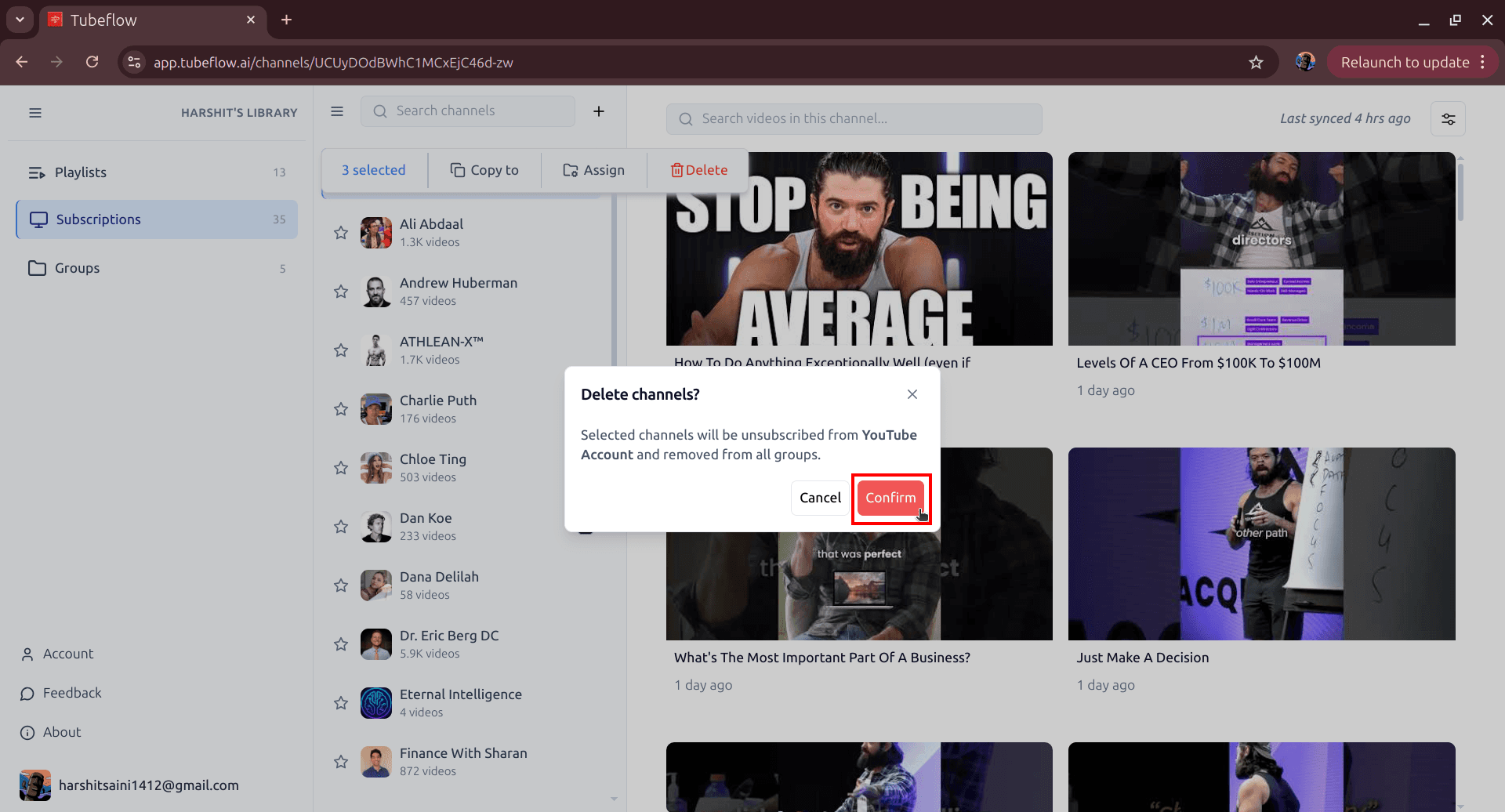
Done! You've unsubscribed from multiple channels in a single batch.
Wrap Up
The manual approach is fine for a few channels, but if you want to clean up your subscriptions quickly, TubeFlow makes bulk unsubscription easy and fast.
Related Articles
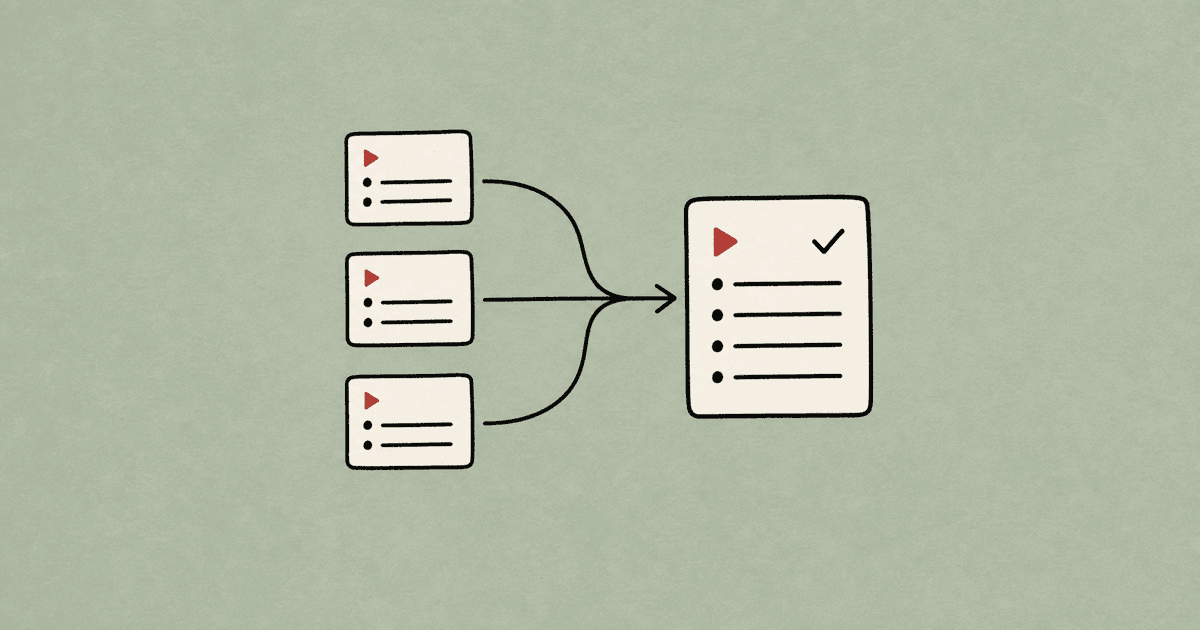
How to Merge YouTube Playlists Into One (2026 Guide)
Merge multiple YouTube playlists into one final playlist. Step-by-step manual method and faster TubeFlow merge workflow.
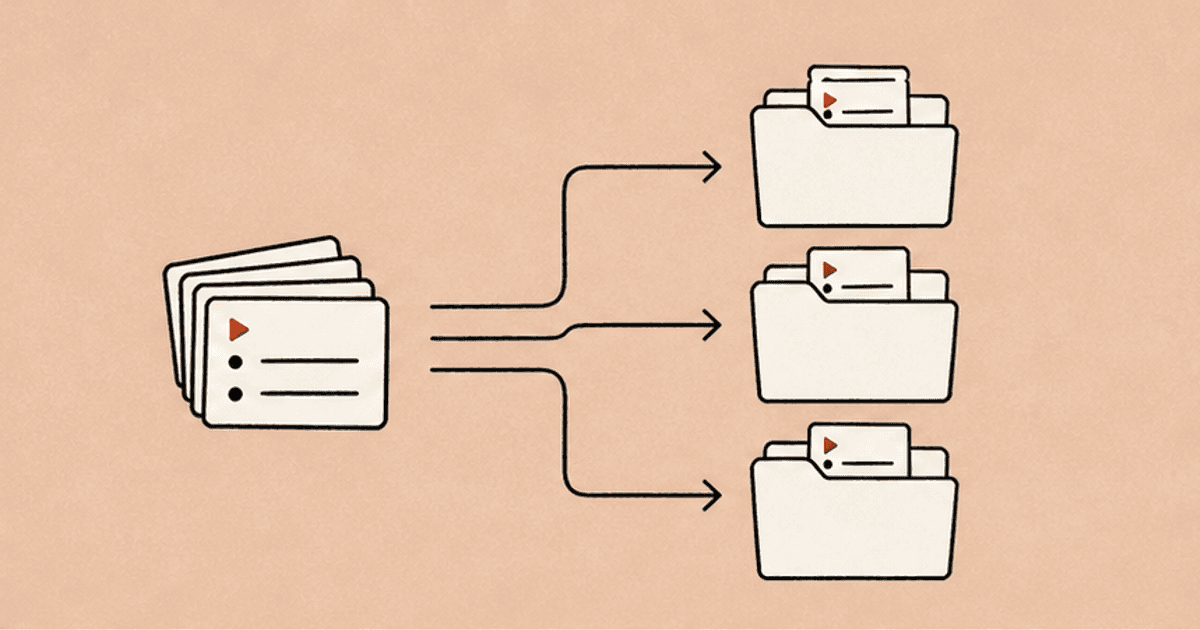
How to Organize YouTube Playlists Into Groups (2026 Guide)
Organize multiple YouTube playlists into custom groups using TubeFlow. A fast step-by-step workflow to keep your library clean.
How to Organize YouTube Channels Into Groups (2026 Guide)
Organize multiple YouTube channels into custom groups using TubeFlow. Fast step-by-step workflow for a cleaner subscriptions view.