February 7, 2026
How to Organize YouTube Playlists Into Groups (2026 Guide)
Organize multiple YouTube playlists into custom groups using TubeFlow. A fast step-by-step workflow to keep your library clean.
Posted by
 Harshit Saini
When your playlist list gets long, finding the right one becomes slow. Grouping playlists by theme like Work, Podcasts, and Study keeps your library easy to navigate.
YouTube does not provide an official native way to organize playlists into groups, so this workflow is TubeFlow-centric.
Looking for related cleanup guides? Check out how to delete multiple playlists, merge playlists into one, or move and copy videos between playlists.
Method: Organize Playlists Into Groups with TubeFlow
Open TubeFlow App and follow these steps.
Step 1: Open Playlists
In the left sidebar, click Playlists to load your full playlist list.
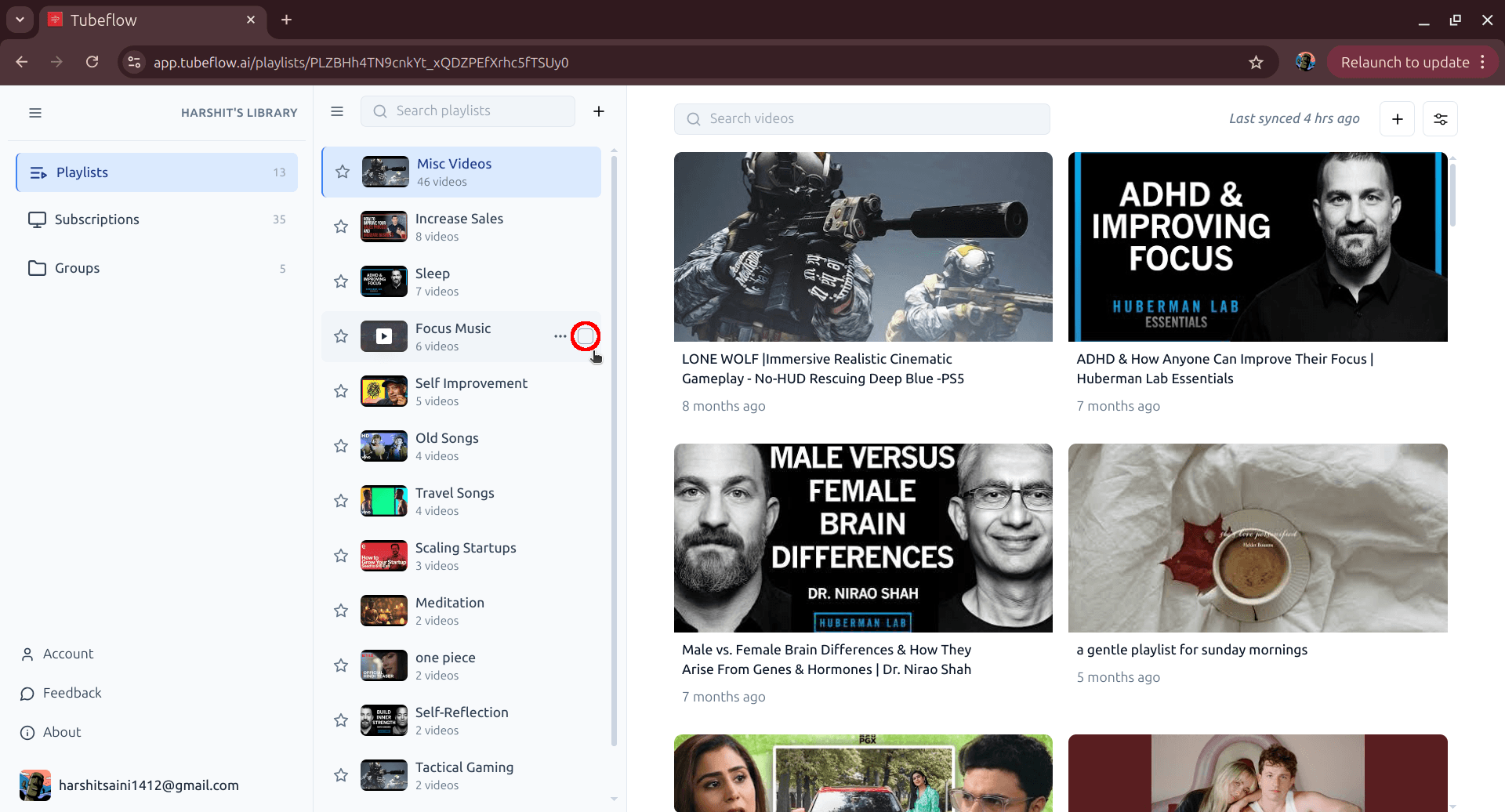
Step 2: Select Playlists to Group
Tick checkboxes for the playlists you want in one group. Once selected, the top action bar appears.
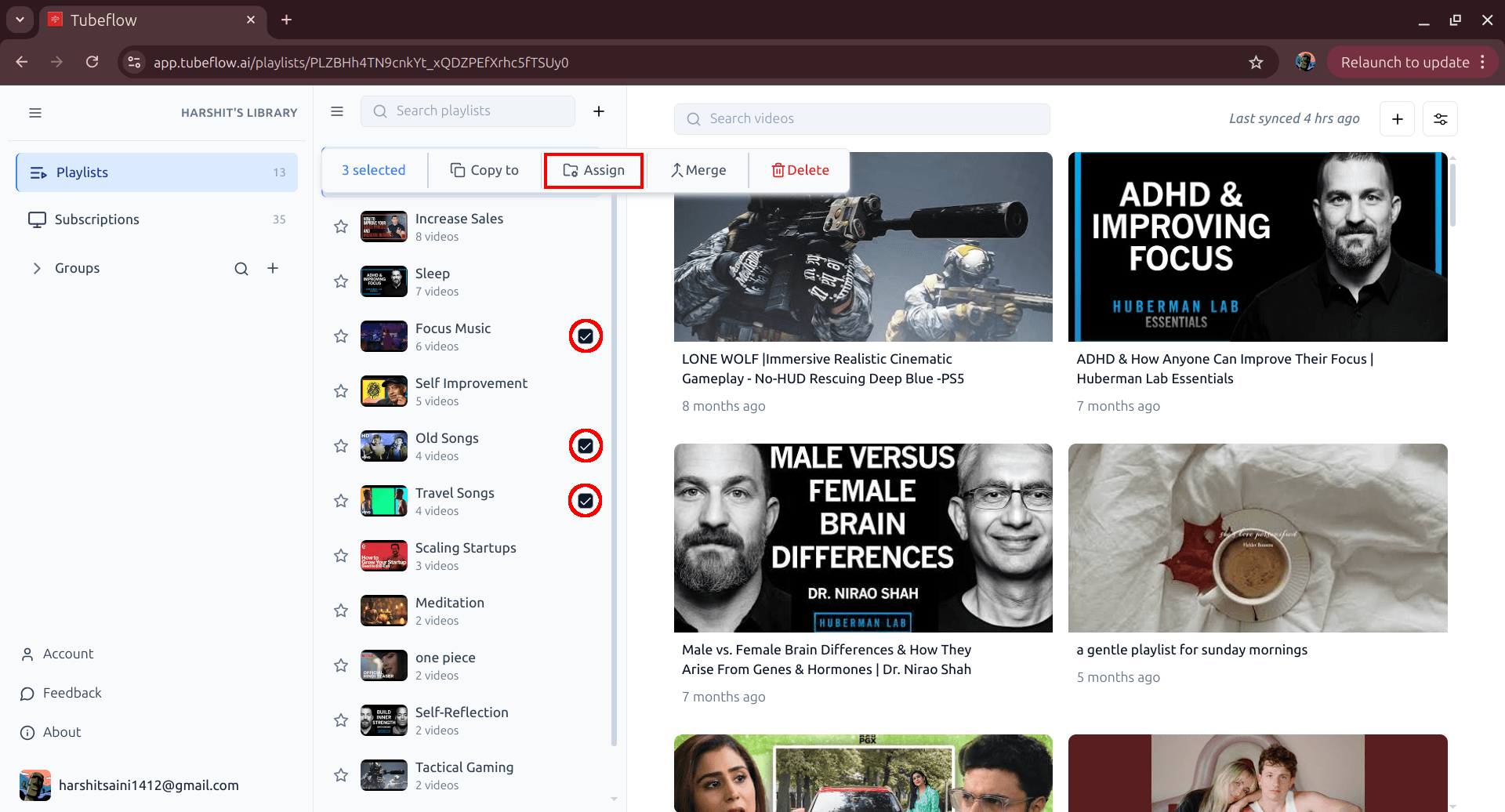
Step 3: Open Assign and Click New Group
Click Assign in the top toolbar, then click New group.
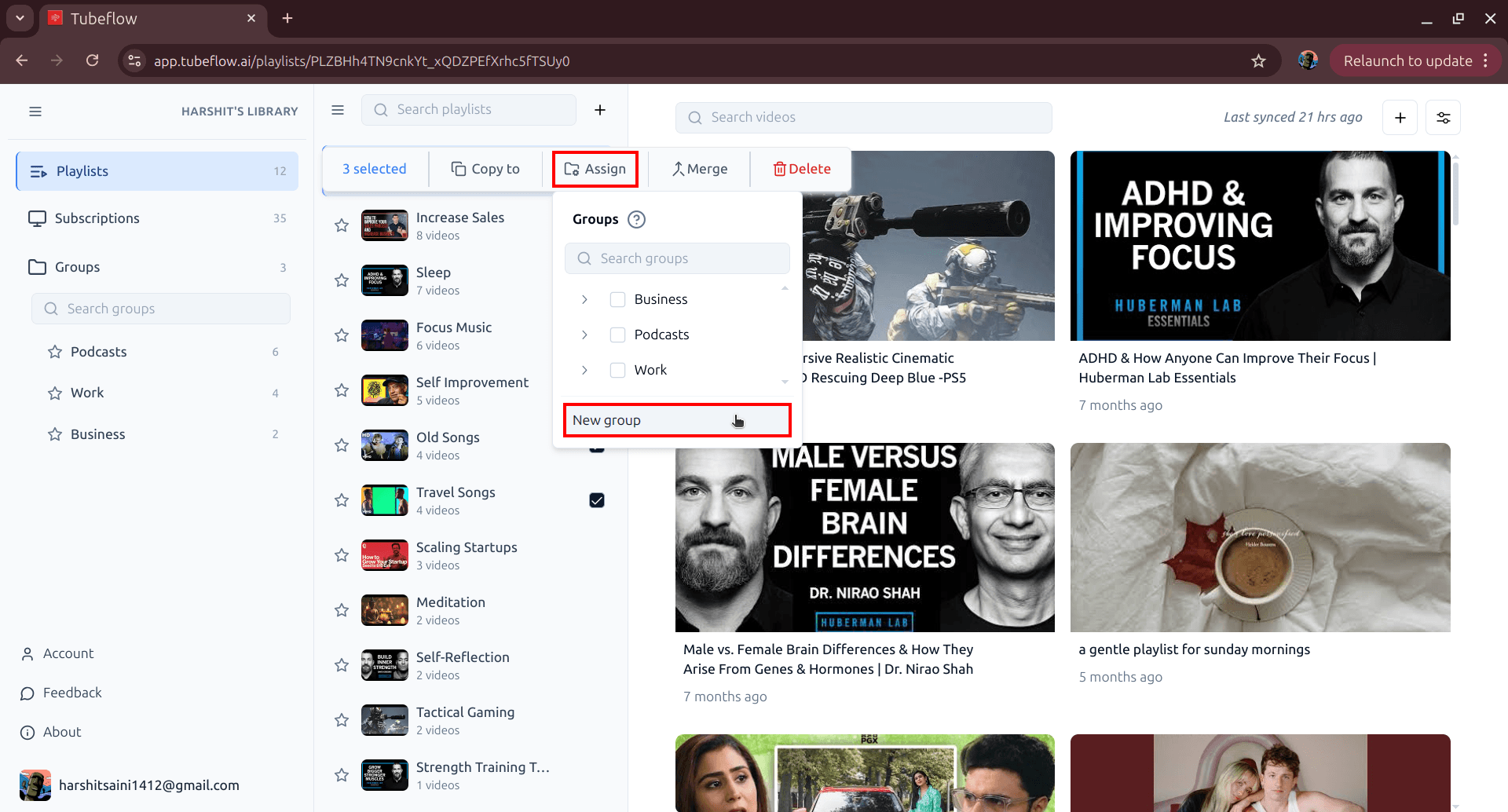
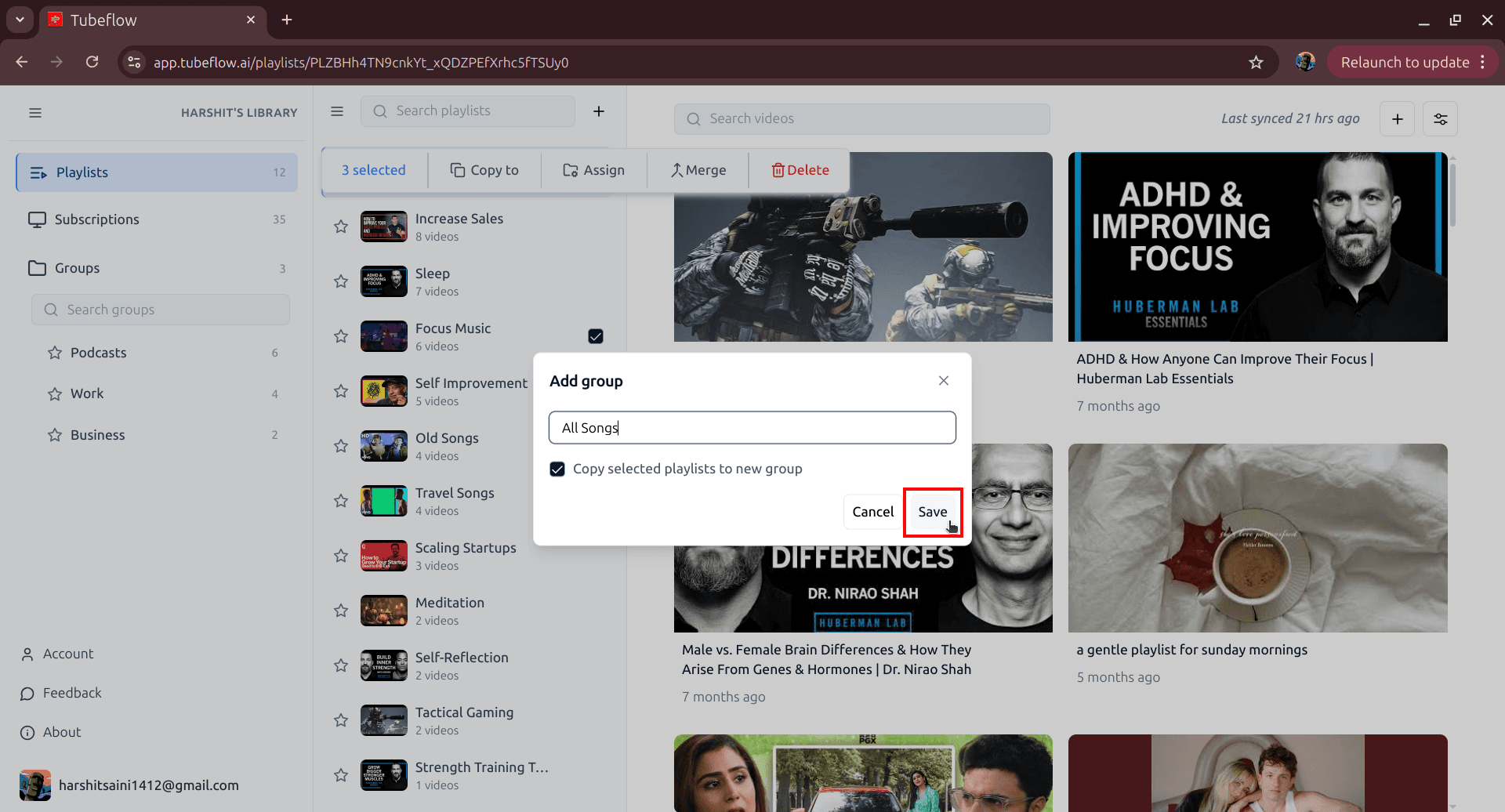
Step 4: Name the Group and Save
Enter your group name and click Save. Keep Copy selected playlists to new group enabled so the selected playlists are added right away.
Step 5: Open the Group and Verify
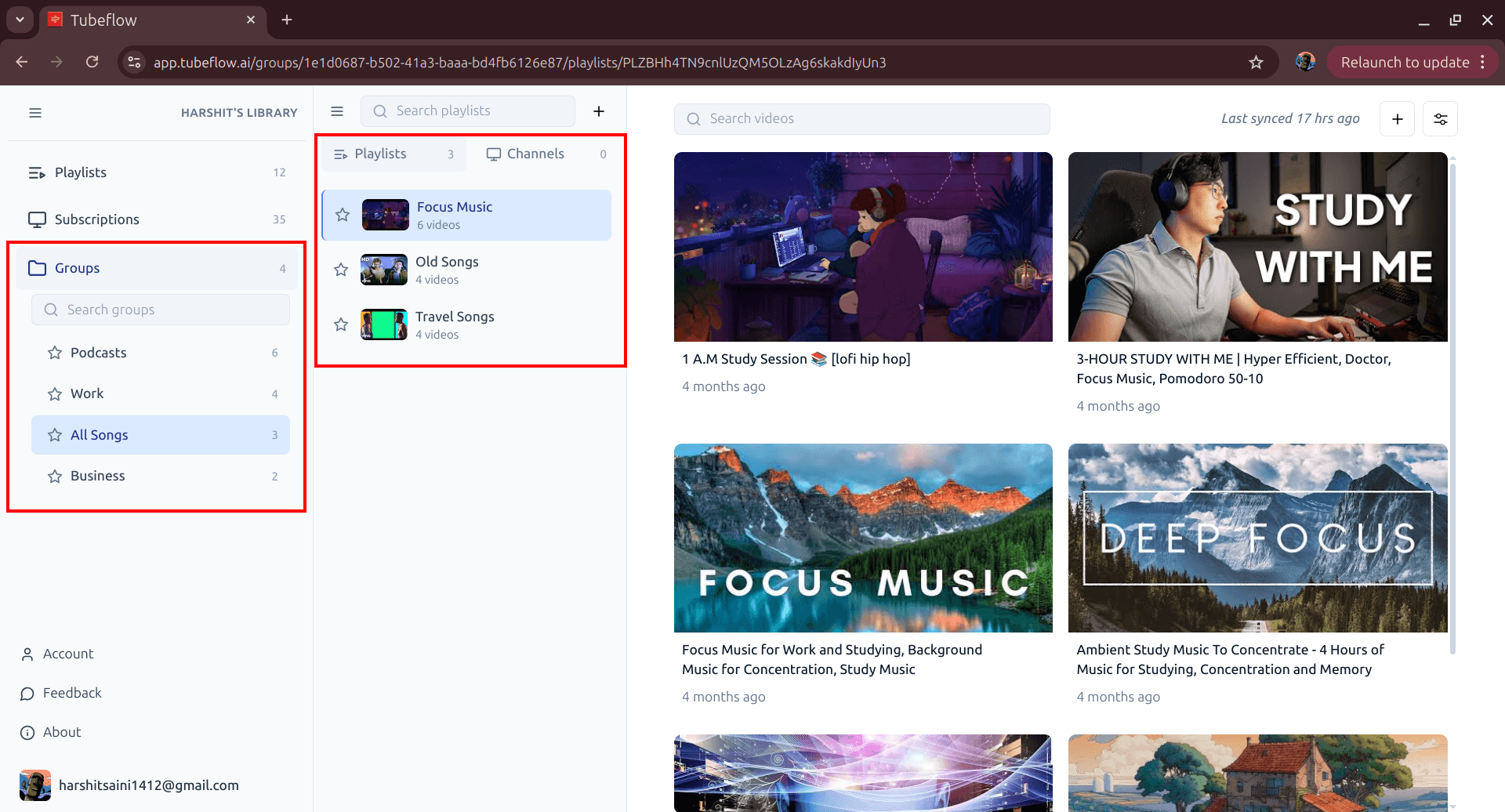
Open the new group from the left sidebar under Groups and confirm your selected playlists are listed inside it.
Wrap Up
Grouping playlists turns a long flat list into a clean system you can browse quickly. If you organize playlists often, TubeFlow makes this workflow simple and repeatable.
Related Articles
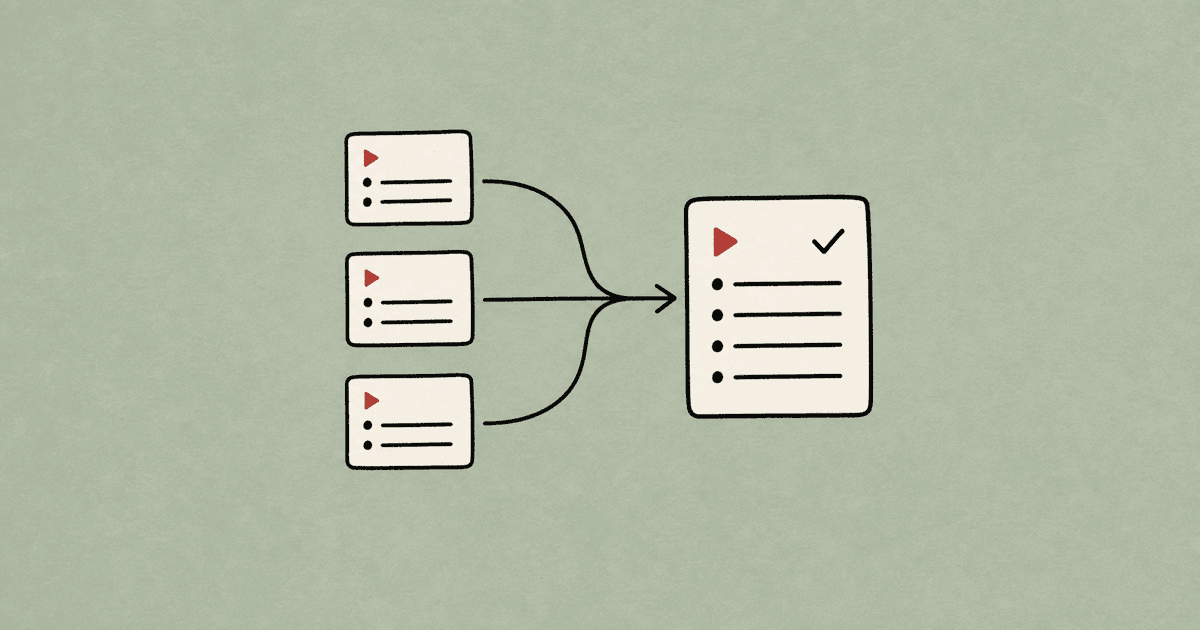
How to Merge YouTube Playlists Into One (2026 Guide)
Merge multiple YouTube playlists into one final playlist. Step-by-step manual method and faster TubeFlow merge workflow.
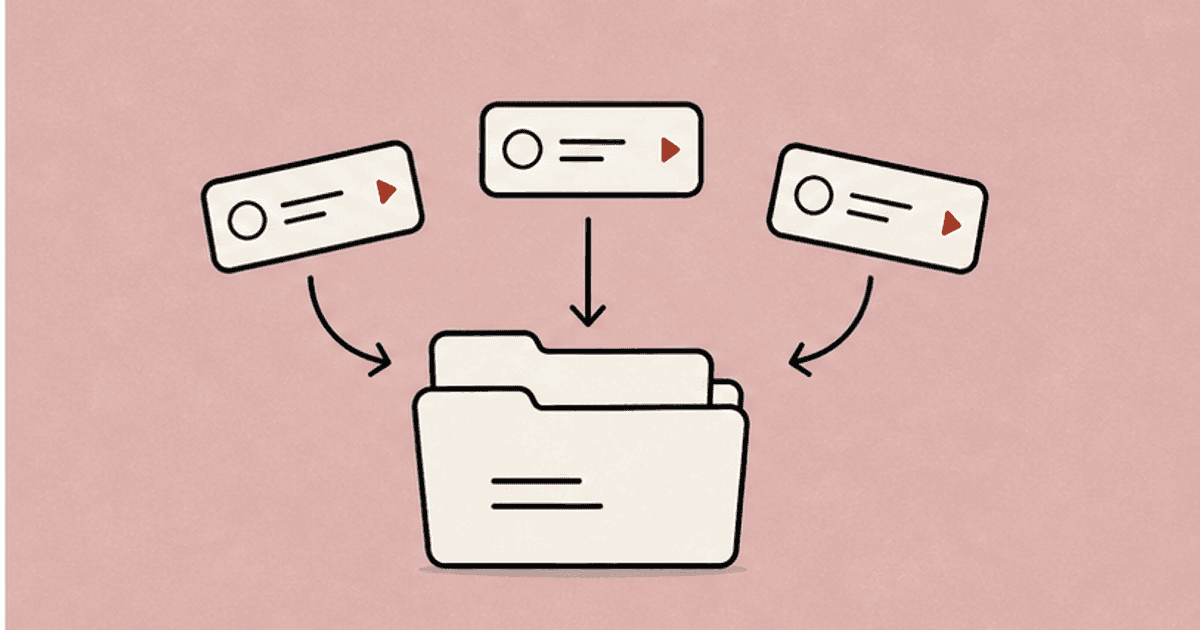
How to Organize YouTube Channels Into Groups (2026 Guide)
Organize multiple YouTube channels into custom groups using TubeFlow. Fast step-by-step workflow for a cleaner subscriptions view.
How to Unsubscribe from Multiple YouTube Channels Fast
Unsubscribe from multiple YouTube channels quickly. Step-by-step guide for manual cleanup and fast bulk unsubscription using TubeFlow.